

MCP setup
Connect Collinearity to the ChatGPT desktop app
Upload one file and the ChatGPT desktop app can analyze, edit and render your ads right from a chat. Setup takes about two minutes and needs a Collinearity account. Plugins added this way don’t run in ChatGPT on the web; for that, follow the ChatGPT Web guide.
- 1
Download the plugin
 Download plugin
- 2
Upload it to ChatGPT
In ChatGPT, click Plugins in the left sidebar, then Add › Upload plugin archive.
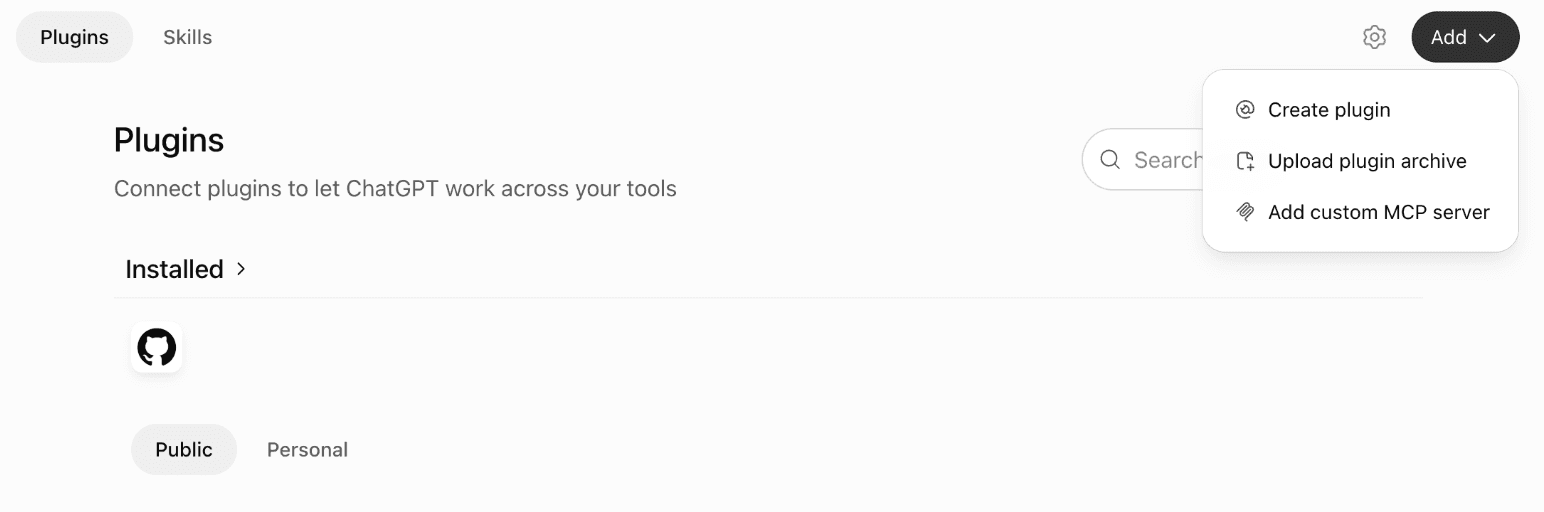
Drop in collinearity-chatgpt-plugin.zip and click Add plugin.
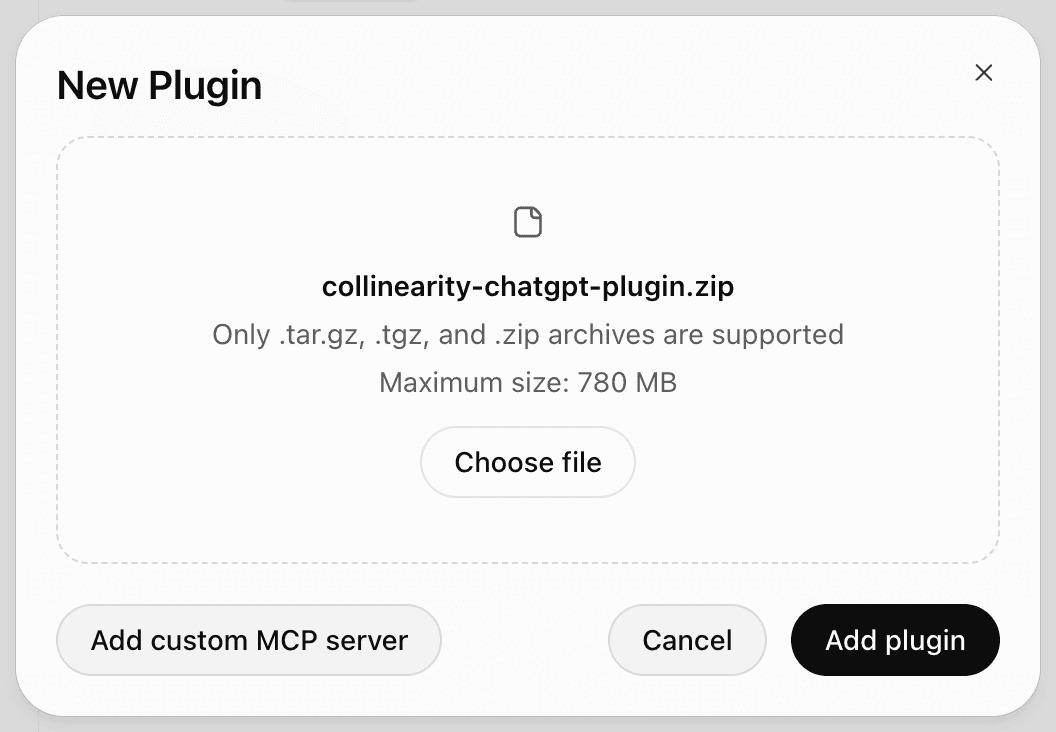
On ChatGPT Business or Enterprise, uploading plugins may be turned off for members, so you may need to ask a workspace admin.
- 3
Open it in the desktop app
ChatGPT opens Collinearity’s plugin page. Click Open in desktop app, or one of the sample prompts.
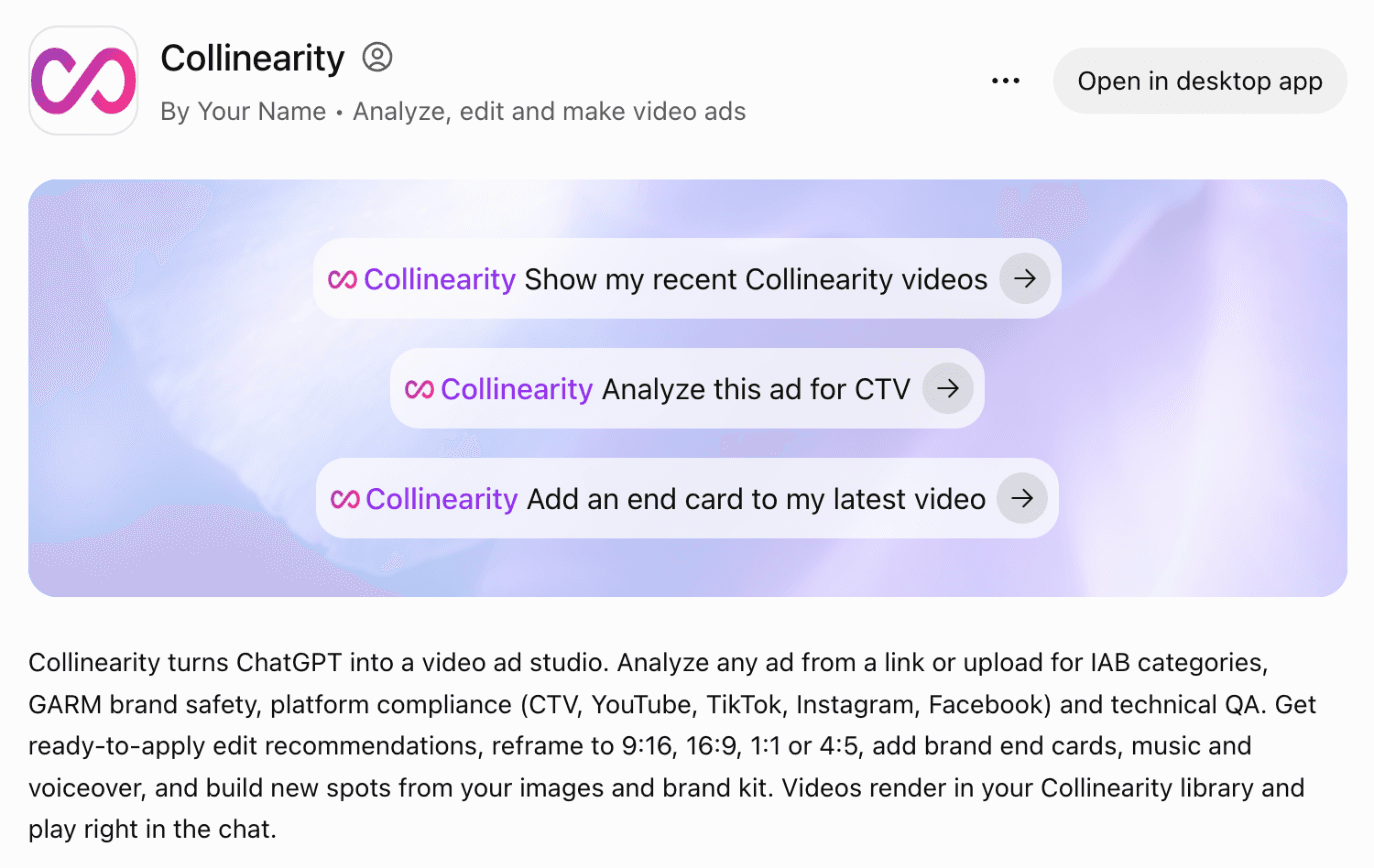
The first time Collinearity runs, sign in if asked, then click Approve on the Authorize access screen.
- 4
Try it
In the desktop app, ask something like:
- Show my recent Collinearity videos
- Analyze this ad: https://www.youtube.com/watch?v=…
- Add an end card to my latest video
Using an MCP client that can’t complete the sign-in? Create an MCP API key instead.